Everyone you already know, in every search
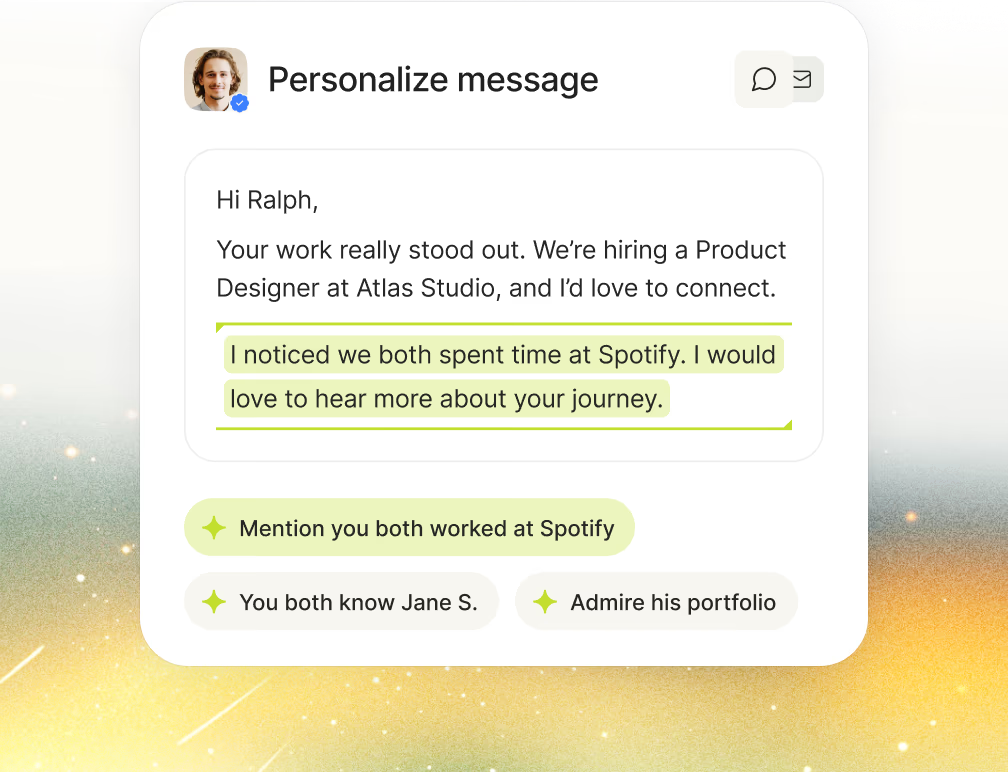
Everyone you save, contact or shortlist flows into your network, along with your applicants and your ATS history. All of it enriched, and searched every time you look for someone new.
Make your network your advantage
One network, every source
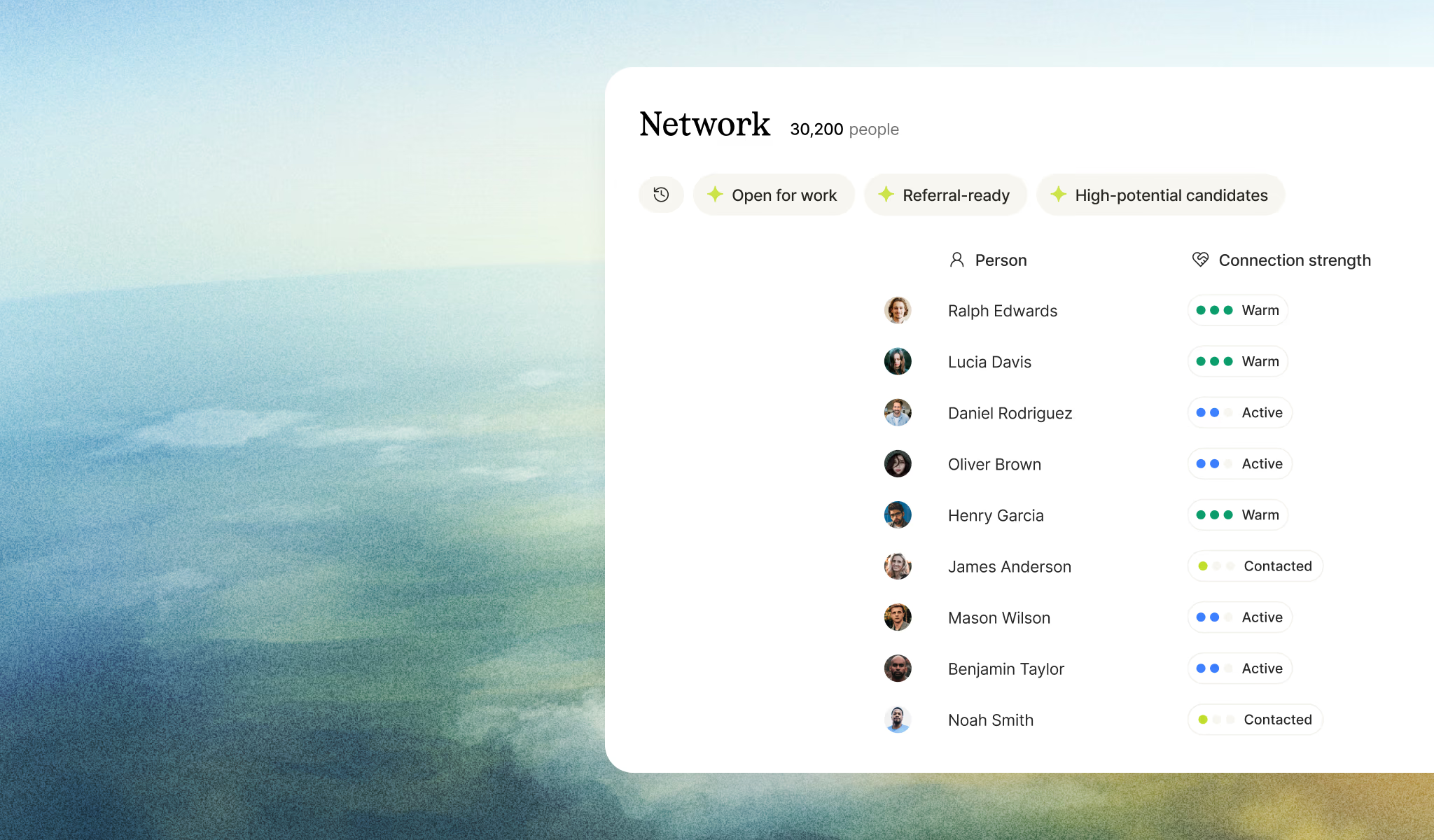
Everyone you save, contact, or shortlist through Talentium flows into your network, joined by CSV imports, inbound applicants, and your ATS history. One growing pool, no manual filing, getting richer every time you work a new role.

Enriched on arrival
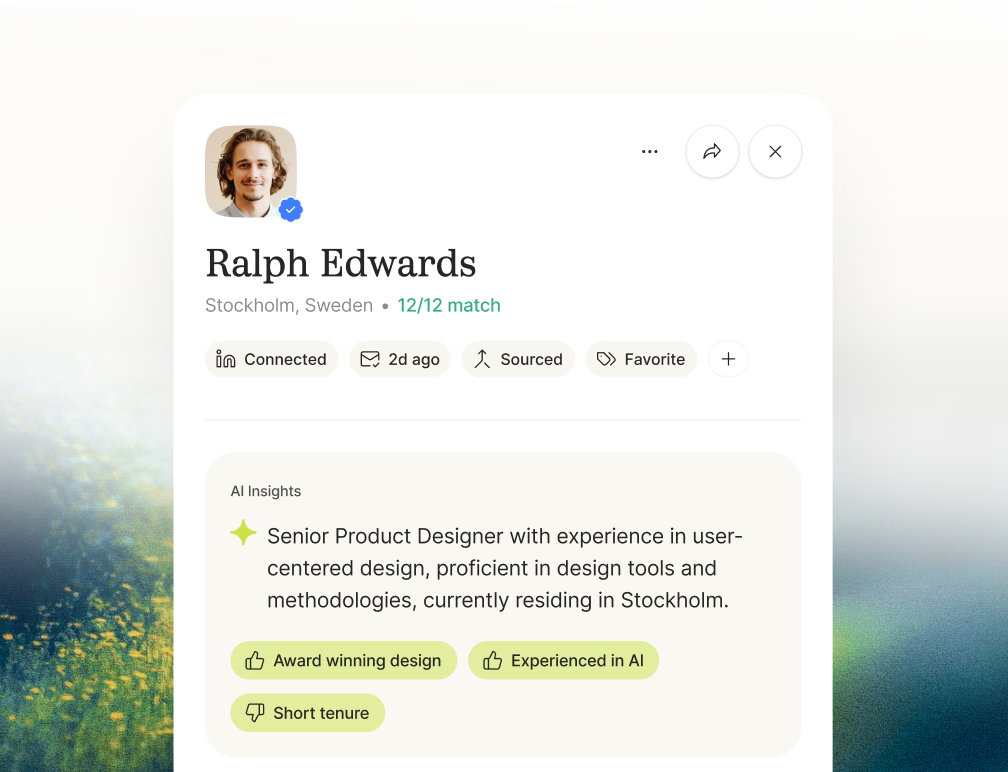
Every contact that lands in your network gets a full profile built out, not just the row you imported. A name and an email becomes someone you can actually evaluate.
Old candidates in new searches
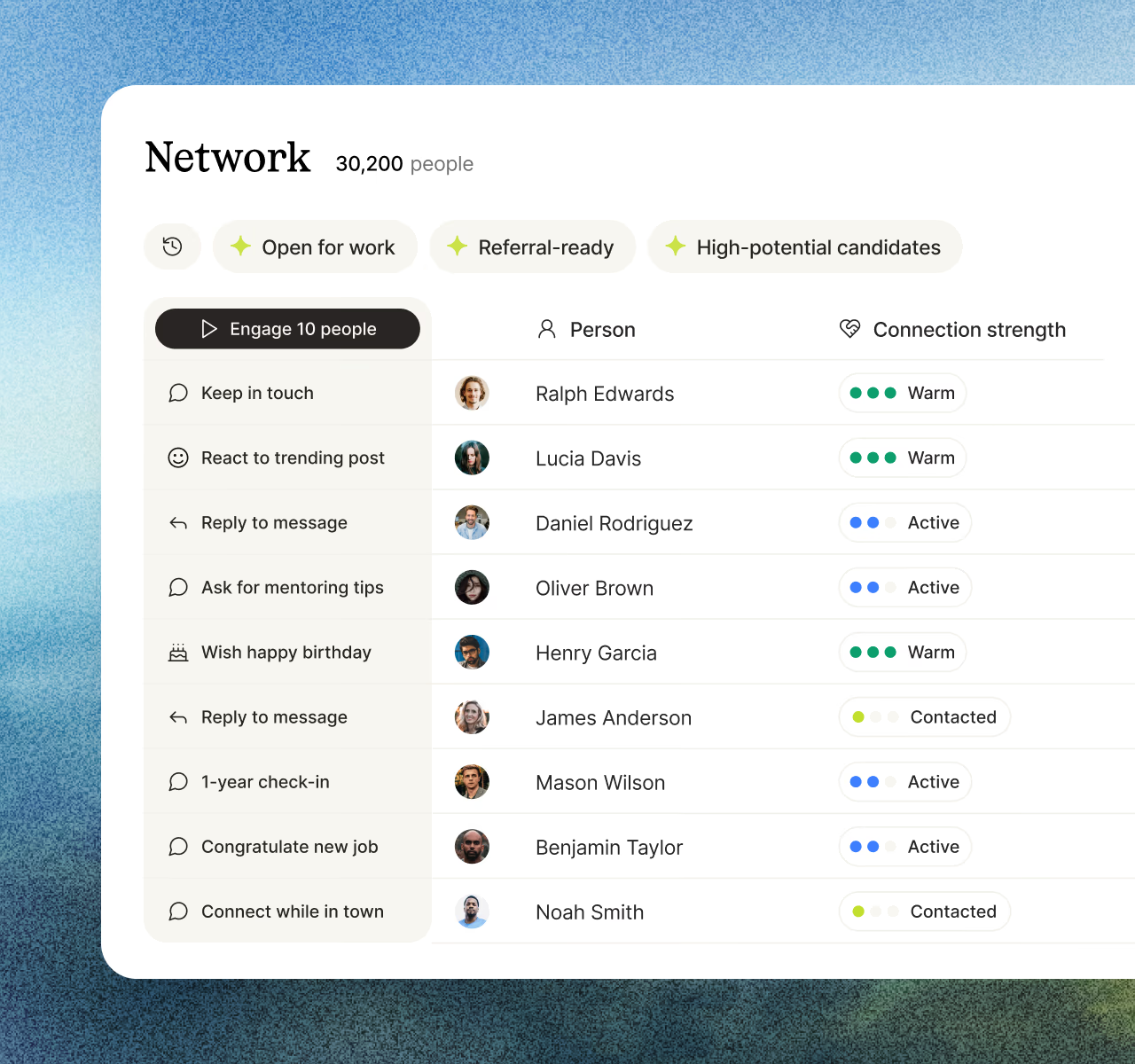
When someone you've considered before matches a new role, they turn up in the results with how far they got last time. The right person often isn't a new one.

One network, every source
Everyone you save, contact, or shortlist through Talentium flows into your network, joined by CSV imports, inbound applicants, and your ATS history. One growing pool, no manual filing, getting richer every time you work a new role.
Enriched on arrival
Every contact that lands in your network gets a full profile built out, not just the row you imported. A name and an email becomes someone you can actually evaluate.
Old candidates in new searches
When someone you've considered before matches a new role, they turn up in the results with how far they got last time. The right person often isn't a new one.
How it works

Connect.
Plug in CSV imports, ATS, email, and calendar. Past, present, and future candidates all flow into the network.
Enrich.
Everything that arrives gets a full profile built out, so imported contacts are as searchable as anyone you find fresh.
Search it.
Every new role search runs across your network alongside the open web and your applicants, evaluated on the same criteria.






Frequently asked
Everyone you save, contact, or shortlist through Talentium, plus inbound applicants, CSV imports, and – with ATS sync – your existing candidate history. One pool, searched every time.
Yes. Every role search runs across your network alongside the open web and your applicants, all evaluated on the same criteria. People you already know come up in the results without you having to look for them separately.
They turn up in new searches with how far they got last time, so you're not rediscovering someone months after they went cold.